
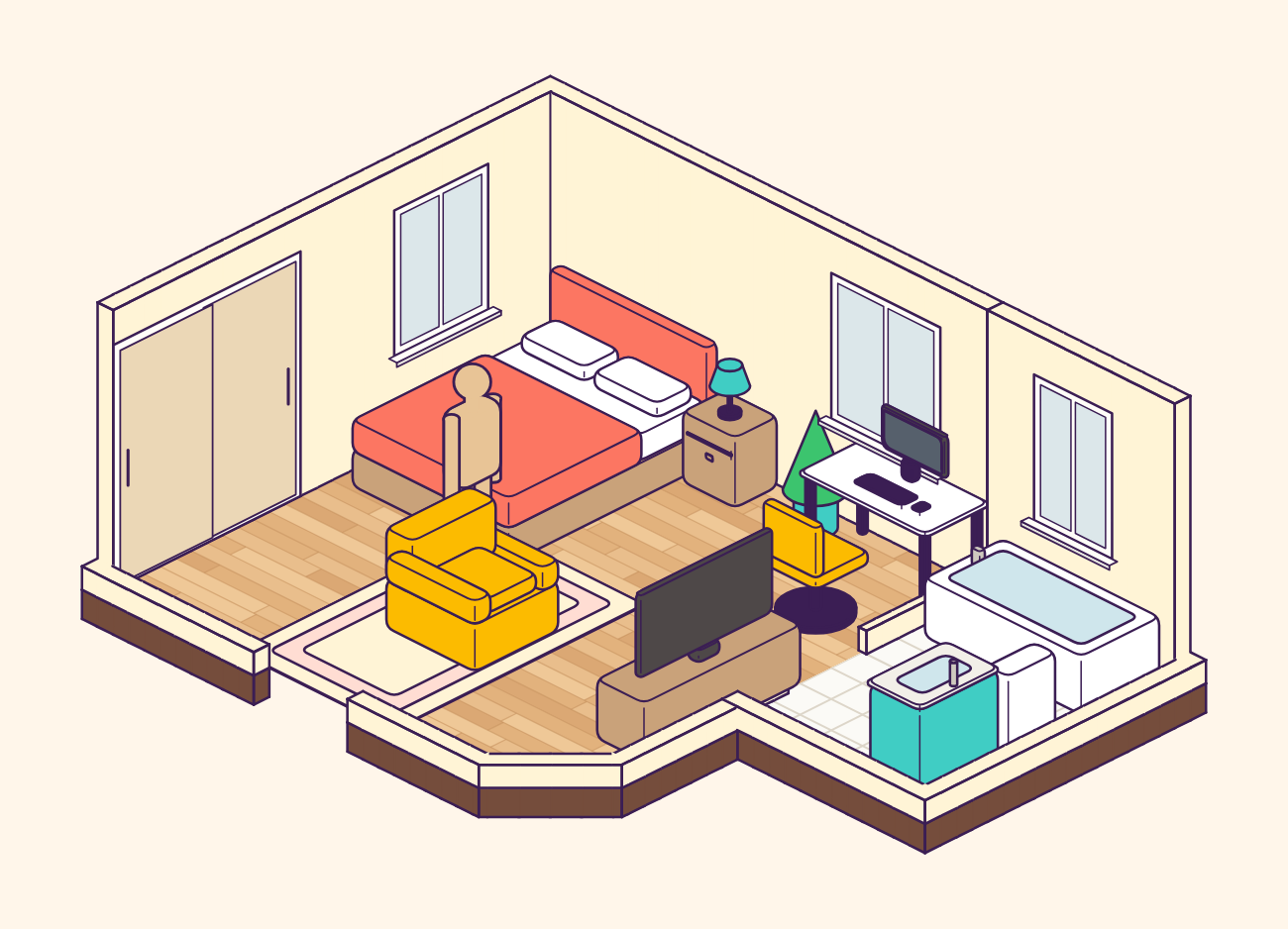
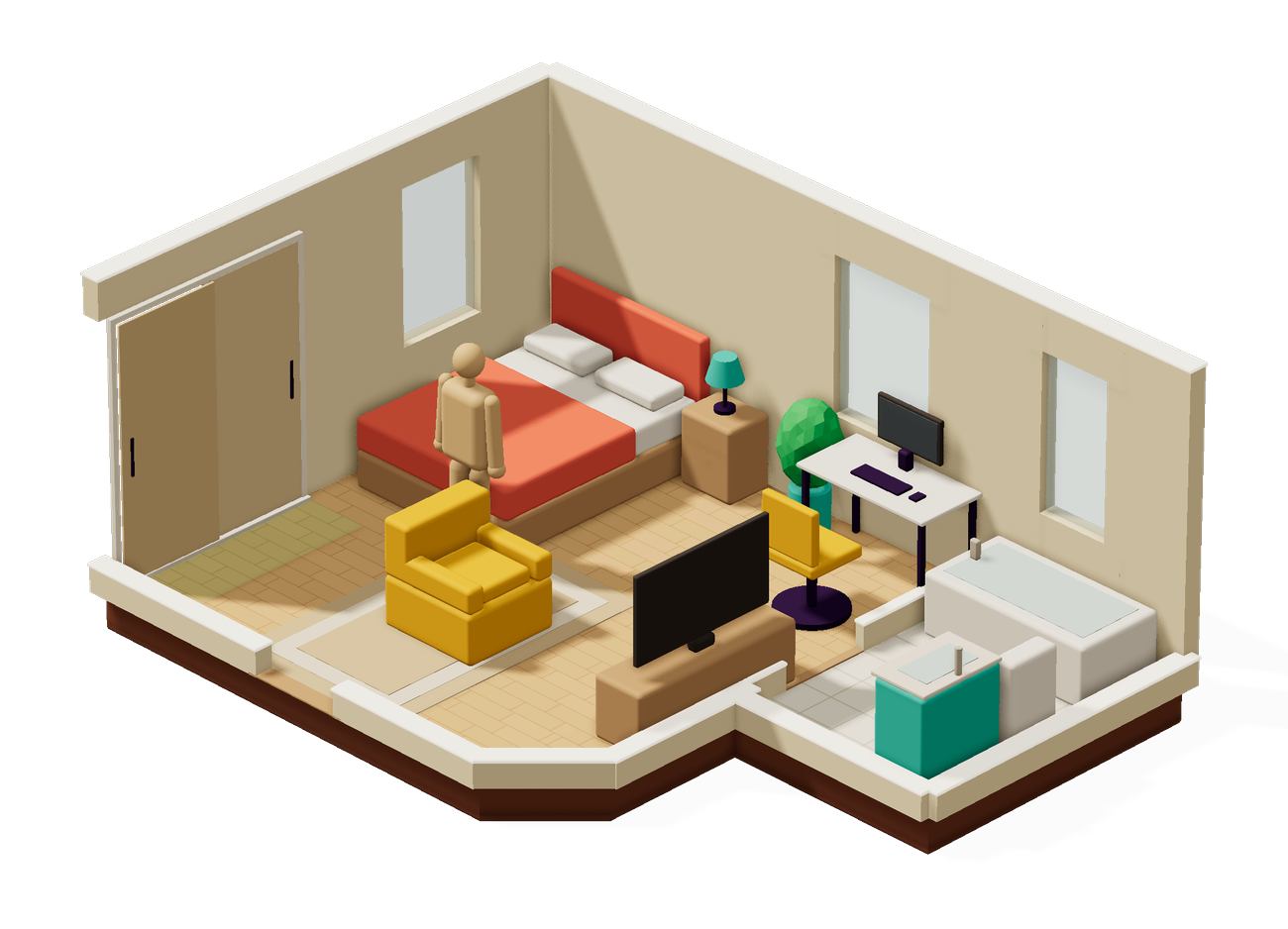
Lay out your home like a game.
Roomy turns your floor plan into a tile grid. Drop in furniture, turn it, try a room three different ways, and see what actually fits before you move a single couch. It's the build mode from your favorite hospital and campus games, pointed at your own four walls. Plan in the crisp Classic look, or flip on 3D mode to walk around a soft, toy-like model of your place.
What you can do
Stand a person in the room
Drop in a person and set their height anywhere from 3′ to 7′. They show how big a room really feels, which numbers alone never do.
Your whole apartment, in 6″ tiles
Add rooms, drag their walls in and out, join them with doors and doorways, and cut corners at 45°. Every tile is six inches, so what fits here fits at home.
Drag, drop and turn
Move furniture right in the isometric view, turn the room to any of four angles, or switch to a flat plan for precise work.
100 pieces at real sizes
Beds from twin to California king, sectionals, TVs by screen size, washers and dryers, cribs, pianos, bikes and more, plus your own pieces by width, depth and height.
"Does it fit?" and walking space
Anything that overlaps or blocks a door turns red. It also warns when there's no room to open the drawers, get into bed or pull out a chair.
Trace your floor plan
Add a screenshot of a listing's floor plan, mark one wall you know, and it sits under your rooms at the right size.
As many layouts as you like
Keep your place now, the new place, and option A and B side by side. They save themselves in your browser with no account.
Print it or share it
Print a sized plan with a numbered list of every piece, save it as a PDF, or send one link that shows anyone the exact layout.
Private by design
No sign-up. Your layouts and plan pictures stay on your device unless you choose to share a link.
Room ideas
Start from a furnished floor plan and make it yours. Every one opens in the builder, ready to rearrange.
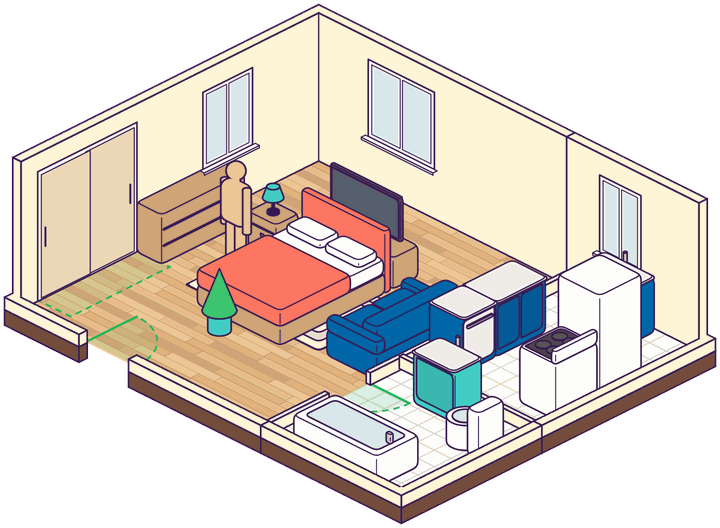 StudioRegular apartmentOpen this room ▶
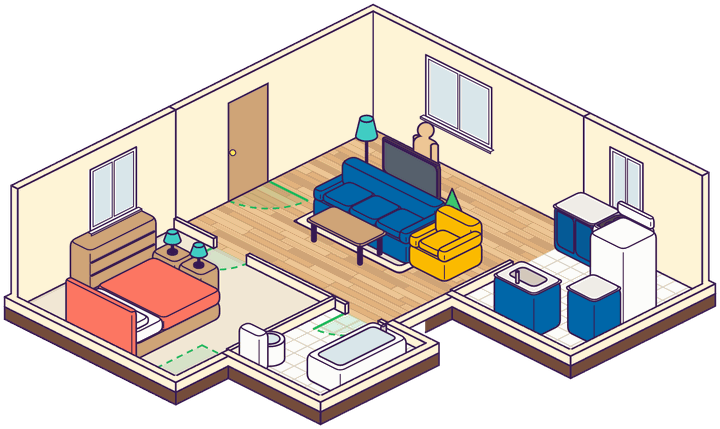 1 bedroomRegular apartmentOpen this room ▶
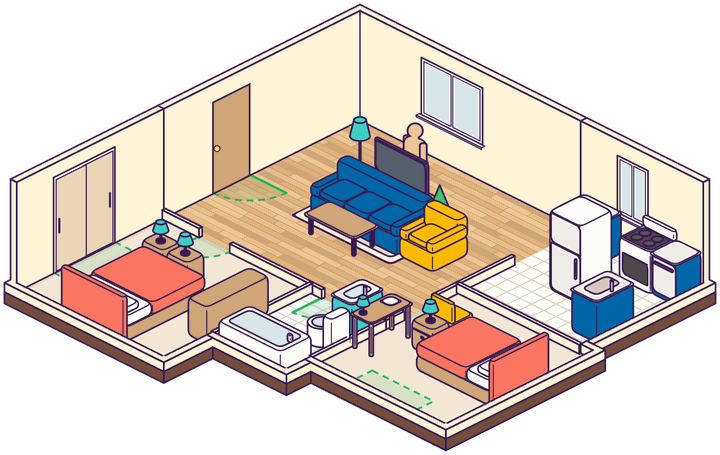 2 bedroomsRegular apartmentOpen this room ▶
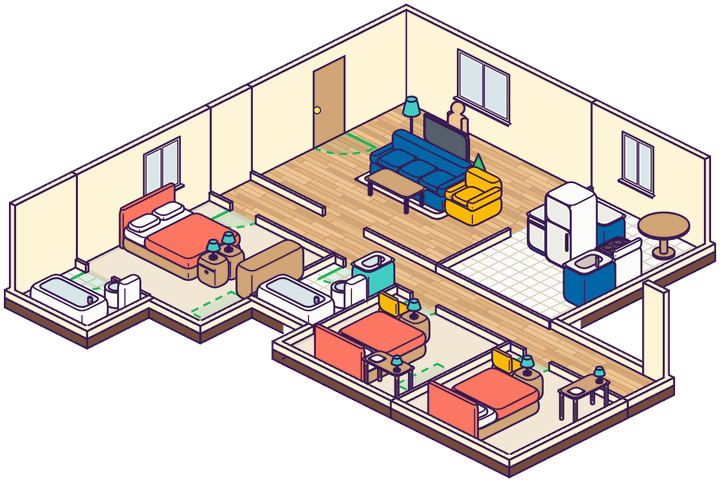 3 bedroomsRegular apartmentOpen this room ▶
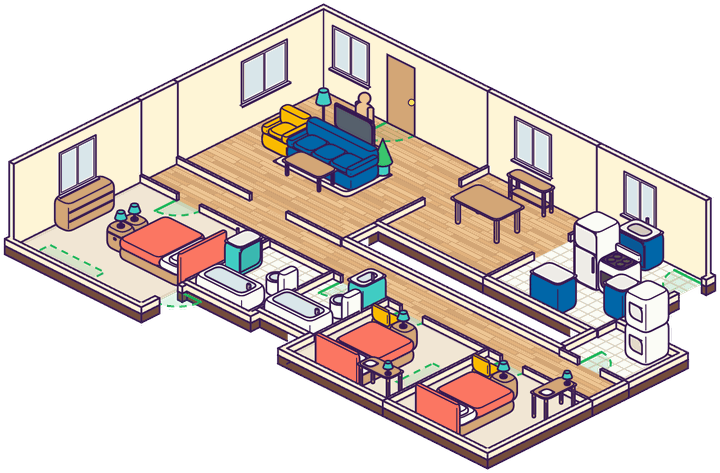 HouseRegular apartmentOpen this room ▶
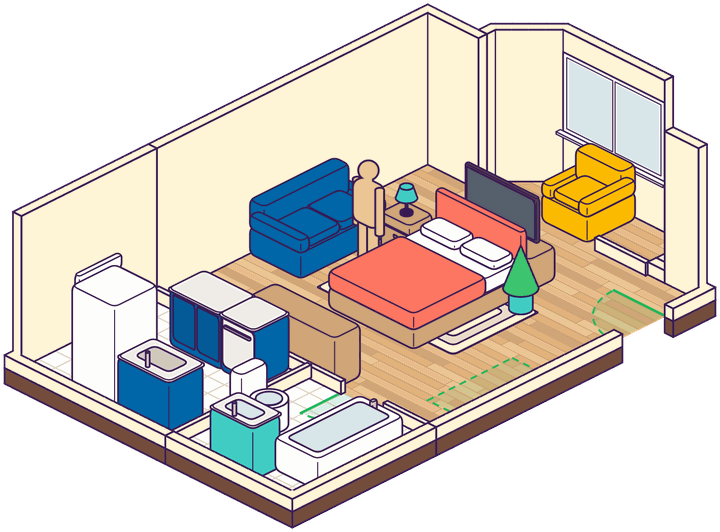 StudioSan Francisco flatOpen this room ▶
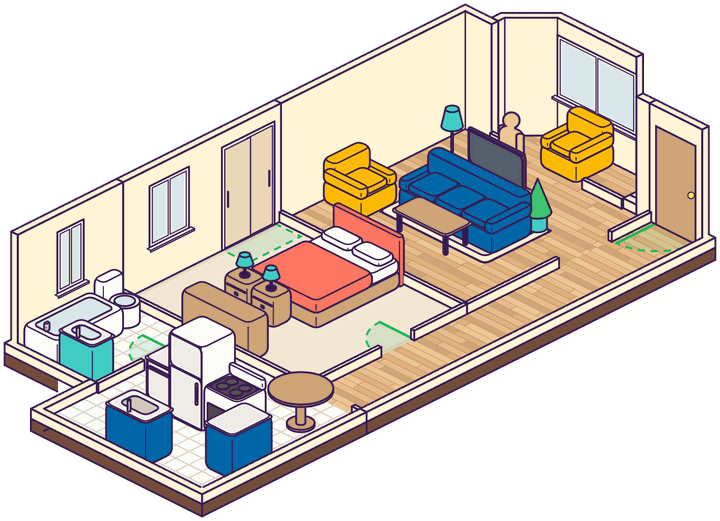 1 bedroomSan Francisco flatOpen this room ▶
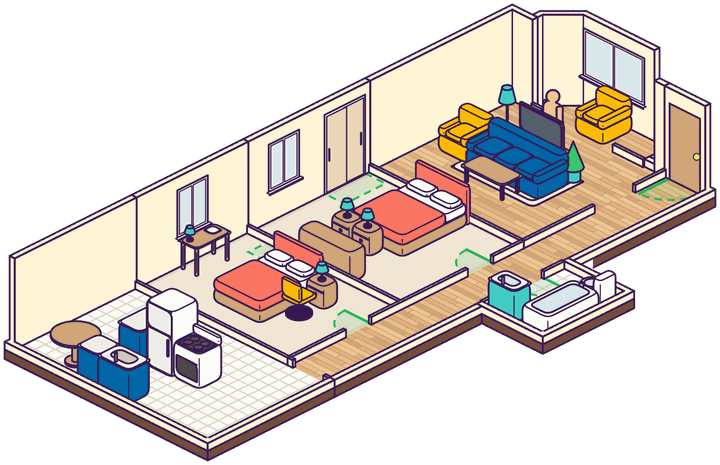 2 bedroomsSan Francisco flatOpen this room ▶
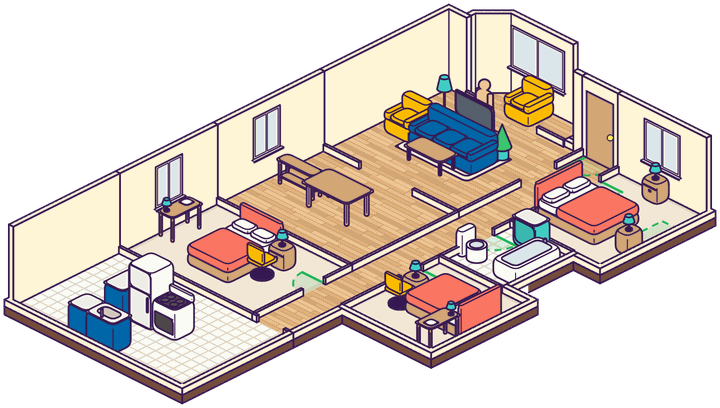 3 bedroomsSan Francisco flatOpen this room ▶
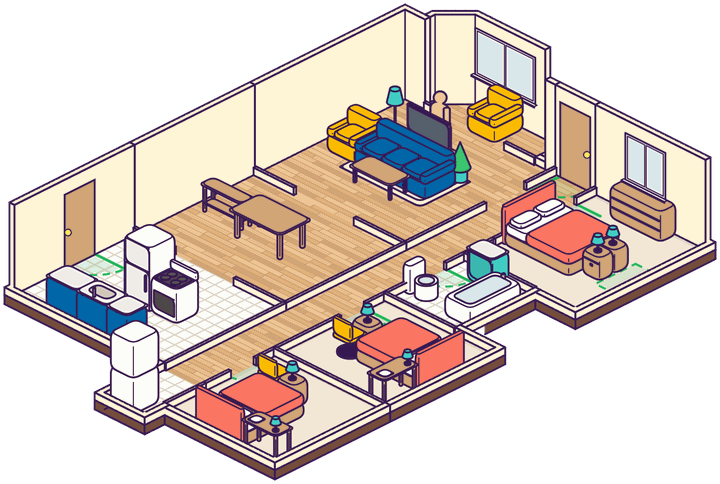 Row houseSan Francisco flatOpen this room ▶
How it works
- Lay out your roomsAdd a room for each space, then drag the yellow handles to size them.
- Add furniturePick pieces from the tray and drag them where you want them.
- Add a personSet their height and stand them on the rug to see the room to scale.
- Share itCopy a link, print the plan or download a picture for a roommate, partner, mover or landlord.
Coming next
- Links to buy real pieces that match the sizes you planned
- Doors and windows on angled walls
- Room themes, a coziness score and more game touches
Roomy is an early version, so it will keep changing. Ideas and bug reports are welcome at matthew@studio.toys.
Roomy is a Studio Toys project, made to help people picture their homes before they move a thing.